Custom Animation & Vehicle Logos
The first thing you see when you get in is your own screen. The factory cluster plays a fixed self-check. This one plays a ~3-second video on startup and another on shutdown: a badge, a wordmark, a sweep of light, or a clip you cut yourself. Both files live in the ui_res folder with fixed names — replace the file, replace the screen. No firmware flash, no changes to the cluster itself.
What You Can Change
Section titled “What You Can Change”| Direction | Roughly what it looks like |
|---|---|
| Factory style | Honda badge centered, a red line sweeping across |
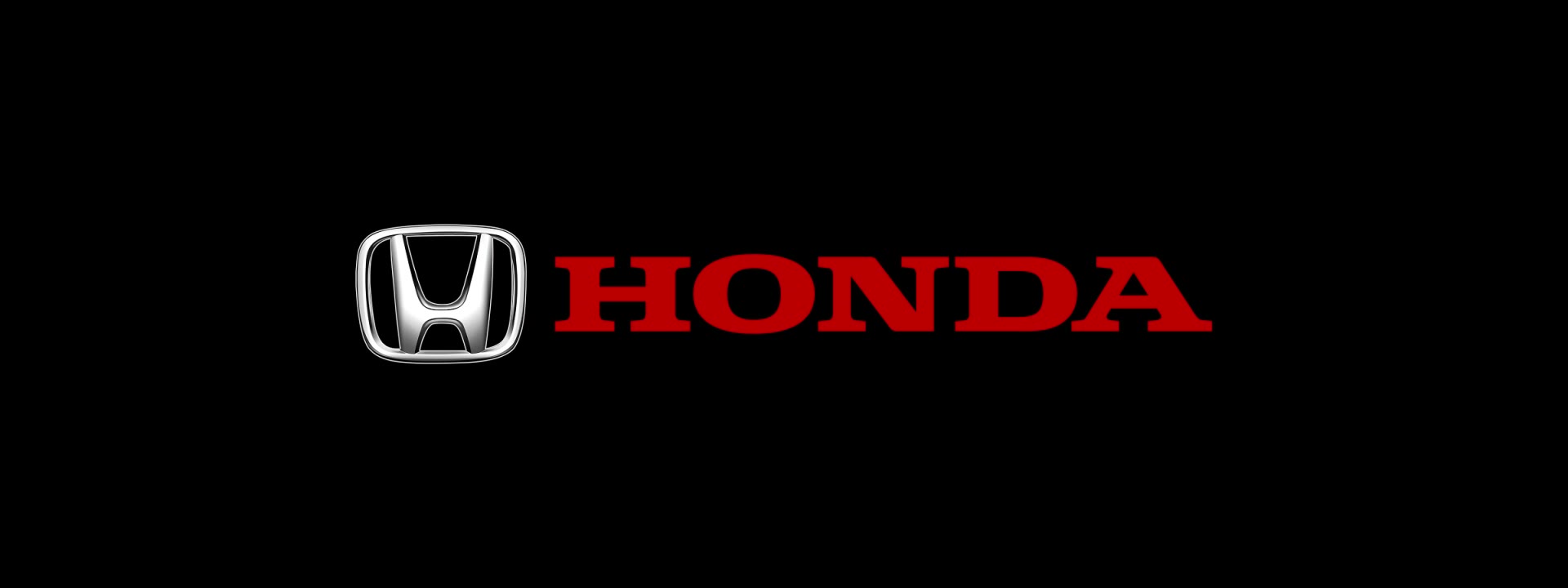
| Brand wordmark | Badge plus HONDA in red, settling in the middle |
| Your own clip | Team logo, shop logo, a car silhouette — a 3-second piece |


Video Specs
Section titled “Video Specs”| Item | Requirement |
|---|---|
| Resolution | 1920 × 720 (landscape strip, matches the screen) |
| Frame rate | 60 fps |
| Duration | Around 3 seconds |
| Format | MP4 / H.264 / yuv420p |
| Audio | No audio track |
| Filename | boot.mp4 (startup), shutdown.mp4 (shutdown) |
Not one character in the filename can change — boot (1).mp4 or boot.MP4 won’t be read. When it’s done, put the whole ui_res folder at the root of the drive and plug it in.
How to Flash
Section titled “How to Flash”Unzip → put the whole ui_res folder at the drive root → ignition ON, plug the drive into the cluster’s USB port → the cluster reads it and you unplug when it’s done → power cycle and look at the screen.
Full steps and drive requirements: Boot & shutdown animation.
Vehicle Logo
Section titled “Vehicle Logo”The logo artwork is already inside the cluster; it just isn’t unlocked from the factory. Flash this few-hundred-byte package and the picker opens. After that you choose in the cluster menu — no images to copy, no files to edit.
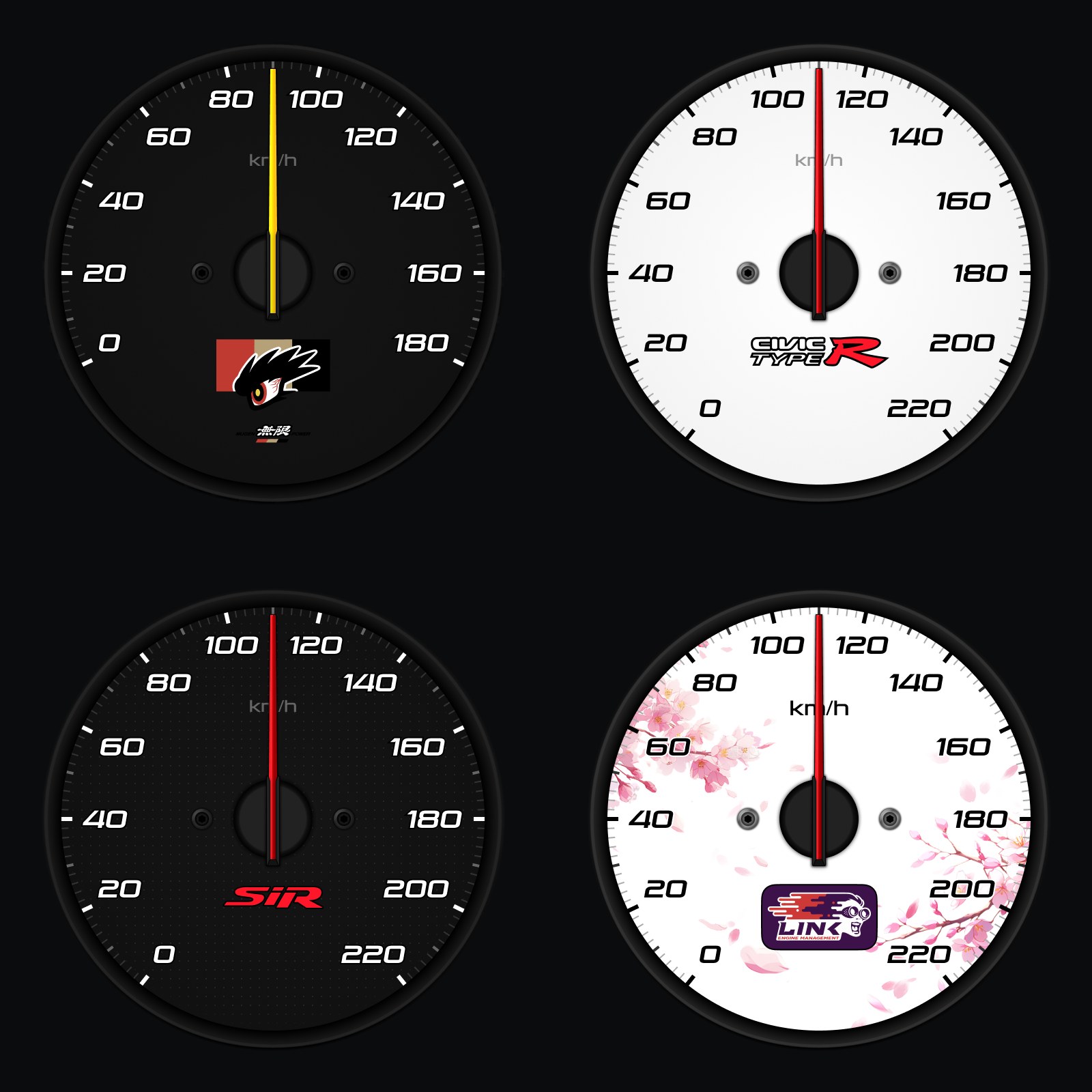
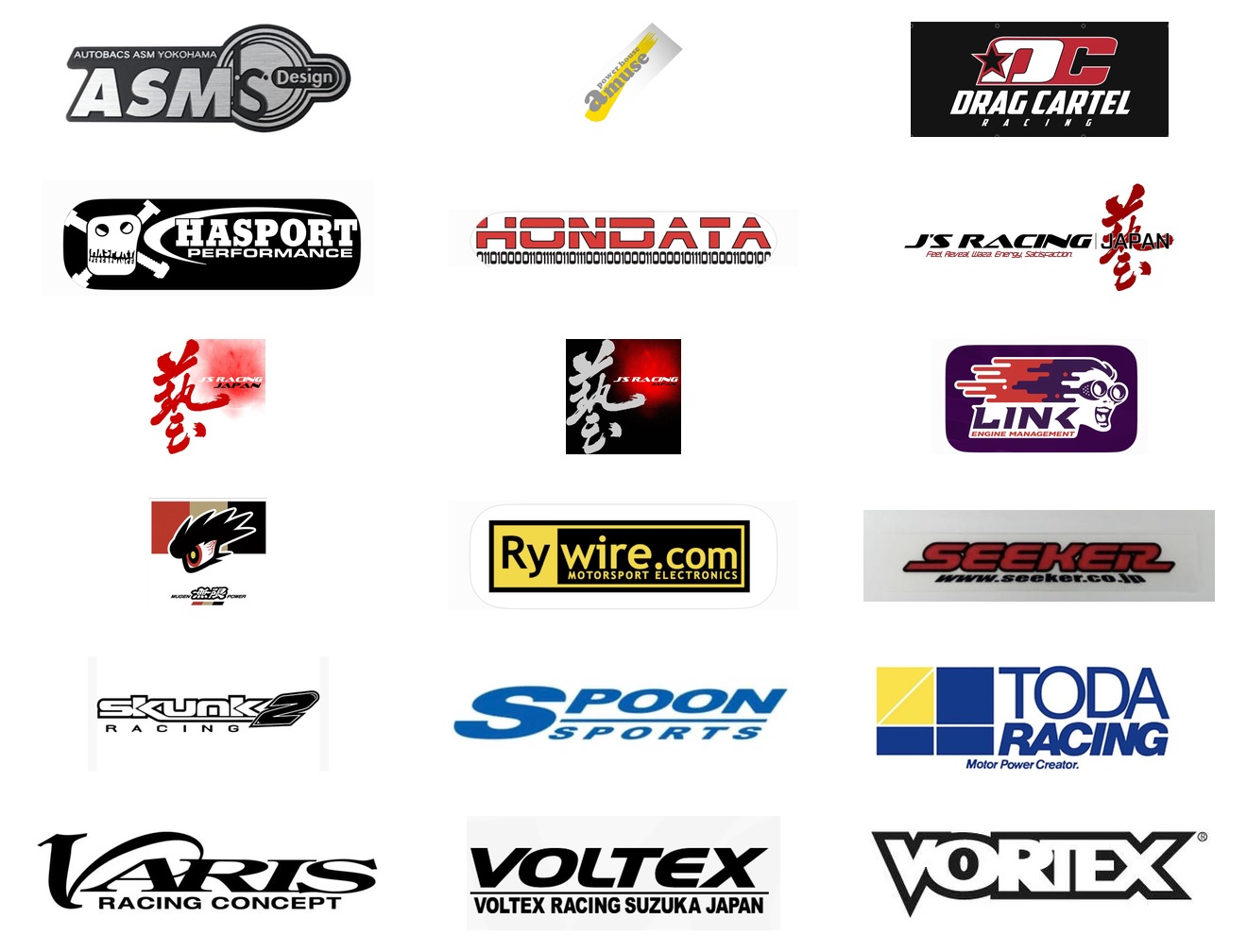
That’s part of what’s built in. Want something that isn’t there? It has to be drawn into the UI — talk to me.
Flashing and troubleshooting: Vehicle logo.
Don’t Mix the Two
Section titled “Don’t Mix the Two”Startup animation and vehicle logo are two separate packages, and only one goes on the drive at a time. Want both? Two passes: flash one, unplug, let the cluster restart, clear the drive, flash the next. Same story with firmware — three packages on one drive and nothing installs.